
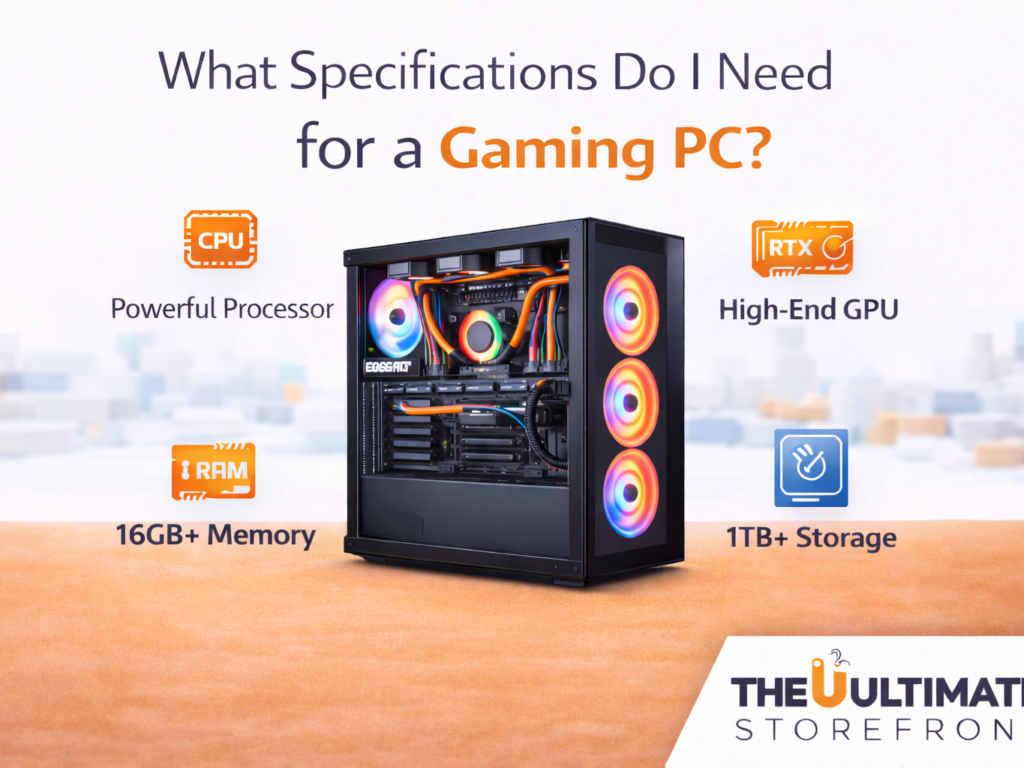
Building or buying a gaming PC can feel overwhelming; especially when you’re faced with technical terms like GPU, CPU, RAM, and storage. If you’ve ever wondered what specs do I need for a gaming PC, you’re not alone.
The truth is, the “right” specs depend on the type of games you play, your budget, and your performance expectations. In this guide, we’ll break everything down in simple terms so you can confidently choose the good PC specs for your needs.
Understanding Gaming PC Requirements
Before diving into individual components, it’s important to understand one key thing: not all games require the same power.
Different gaming levels:
- Casual gaming (Minecraft, Fortnite, indie games)
- Mid-level gaming (GTA V, Apex Legends, Call of Duty)
- High-end gaming (Cyberpunk 2077, AAA titles on ultra settings)
Your ideal setup depends on where you fall in this spectrum.
1. GPU (Graphics Card): The Most Important Component
If there’s one component you should prioritize, it’s the GPU. It determines how well your PC can render graphics and handle modern games.
Recommended GPUs:
- Entry-level: GTX 1650 / RTX 3050
- Mid-range: RTX 3060 / RTX 4060
- High-end: RTX 4070 / RTX 4080+
If you’re asking what specs do i need for a gaming pc, start with a strong GPU; it has the biggest impact on performance.
2. CPU (Processor): The Brain of Your PC
The CPU handles game logic, physics, and multitasking.
Good options:
- Budget: Intel i3 / Ryzen 3
- Mid-range: Intel i5 / Ryzen 5
- High-performance: Intel i7 / Ryzen 7
For most gamers, an i5 or Ryzen 5 offers the best balance of performance and cost.
3. RAM: Smooth Gameplay and Multitasking
RAM affects how smoothly your system runs games and background applications.
Recommended RAM:
- Minimum: 8GB (basic gaming only)
- Standard: 16GB (ideal for most users)
- Advanced: 32GB (streaming + heavy multitasking)
For modern setups, 16GB is considered part of good PC specs.
4. Storage: Speed Matters
Storage affects load times and system responsiveness.
Options:
- HDD → Slower, cheaper
- SSD → Faster, recommended
- NVMe SSD → Fastest option
Recommended setup:
- Minimum: 512GB SSD
- Ideal: 1TB SSD
Fast storage significantly improves your gaming experience.
5. Motherboard: The Foundation
The motherboard connects all your components. While it doesn’t directly impact performance, compatibility is crucial.
Things to check:
- CPU compatibility
- RAM support
- Expansion slots
Choose a reliable motherboard that supports future upgrades.
6. Power Supply (PSU): Don’t Overlook It
Your power supply ensures all components run safely.
Recommended:
- 500W–650W for mid-range builds
- 700W+ for high-end setups
Always choose a high-quality PSU to protect your system.
7. Cooling System: Keep It Cool
Gaming PCs generate heat, especially during long sessions.
Options:
- Air cooling (standard)
- Liquid cooling (advanced)
Proper cooling ensures better performance and longer hardware life.
8. Monitor and Resolution
Your PC specs should match your display.
Common setups:
- 1080p gaming → Mid-range GPU
- 1440p gaming → Higher GPU power
- 4K gaming → High-end GPU required
There’s no point investing in ultra specs if your monitor can’t utilize them.
Example Good PC Specs (Balanced Build)
If you’re looking for a reliable setup, here’s a solid configuration:
- GPU: RTX 4060
- CPU: Intel i5 / Ryzen 5
- RAM: 16GB
- Storage: 1TB SSD
- PSU: 600W
- Cooling: Standard air cooling
This setup delivers excellent performance for most modern games without overspending.
Budget vs Performance: Finding the Sweet Spot
When deciding what specs do i need for a gaming pc, your budget will always play a role.
Budget builds:
- Focus on essentials
- Lower settings in games
Mid-range builds:
- Best value for money
- Smooth performance
High-end builds:
- Ultra settings
- Future-proof performance
The key is balance; don’t overspend on one component while neglecting others.
Tips for Choosing the Right Gaming PC Specs
✔ Prioritize GPU first
It has the biggest impact on gaming performance
✔ Don’t ignore RAM and storage
They affect overall system responsiveness
✔ Plan for future upgrades
Choose components that allow expansion
✔ Match your specs to your games
Don’t overpay for performance you won’t use
Common Mistakes to Avoid
- Buying a powerful CPU but a weak GPU
- Choosing HDD over SSD
- Ignoring cooling and power supply
- Overspending on unnecessary features
Avoiding these mistakes ensures you get the most value from your investment.
Final Thoughts
Understanding what specs do i need for a gaming pc doesn’t have to be complicated. By focusing on the right components; especially GPU, CPU, and RAM; you can build or buy a system that delivers great performance without breaking the bank.
The key to choosing good PC specs is balance. Whether you’re gaming casually or aiming for high-end performance, the right setup will enhance your experience and keep your system running smoothly for years.
Take your time, compare options, and choose a configuration that fits both your needs and your budget.

Hello, I would like to subscribe for this website to take most up-to-date updates,
therefore where can i do it please assist.