
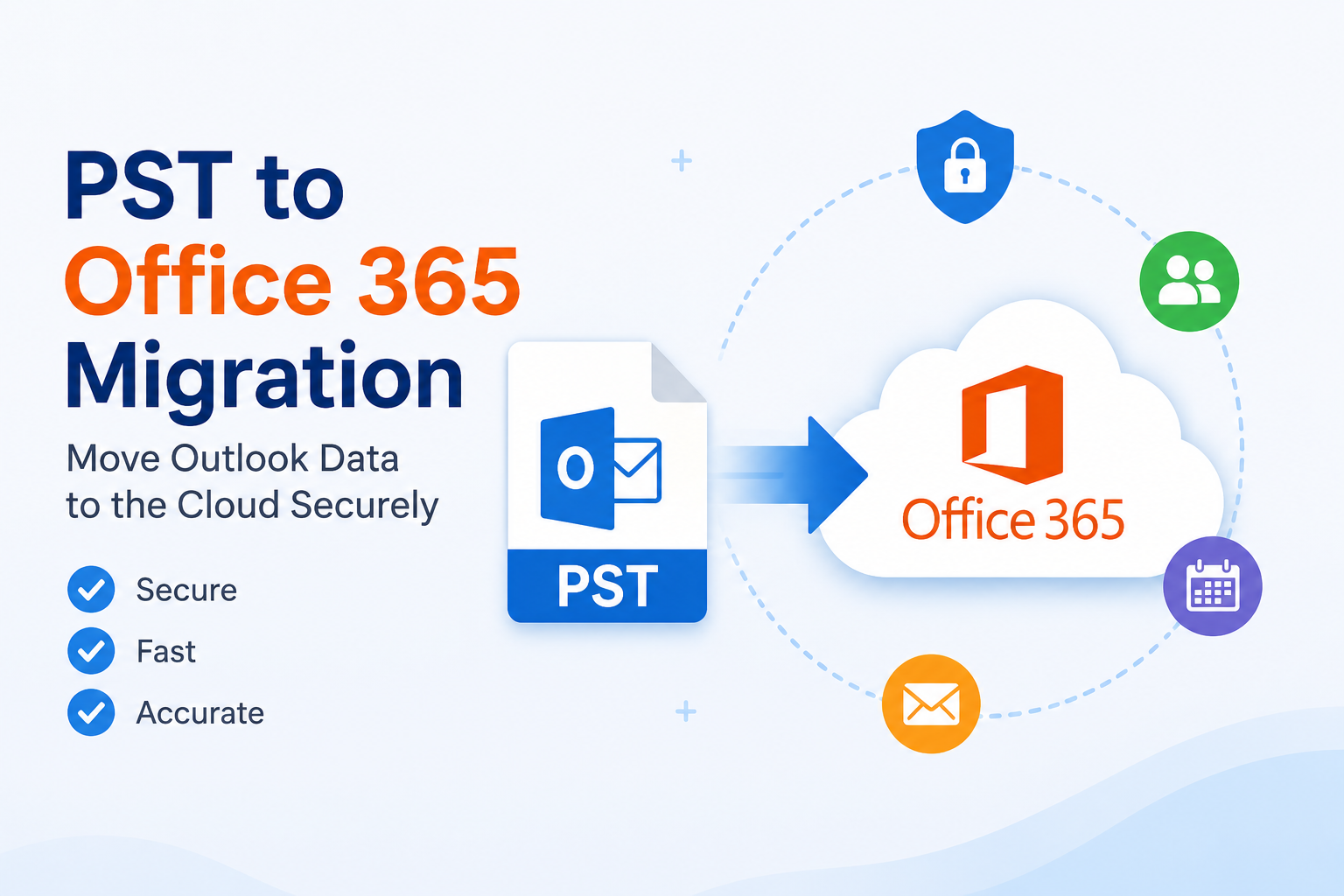
As organizations continue embracing cloud technology, migrating email data from local systems to cloud platforms has become a standard business practice. One of the most common migration requirements is PST to Office 365 migration, which helps users transfer Outlook data files directly into Microsoft 365 mailboxes. Whether you need to completely import PST to Office 365, choosing the right solution can significantly reduce time and effort.
This article explores the benefits, challenges, and best practices for successful PST migration.
What is PST to Office 365 Migration?
PST (Personal Storage Table) files are used by Microsoft Outlook to store mailbox information locally. These files typically contain:
- Emails
- Attachments
- Contacts
- Calendars
- Tasks
- Notes
While PST files provide a convenient way to archive Outlook data, managing multiple PST files can become difficult, especially in growing organizations. PST to Office 365 migration helps centralize this information within a secure cloud environment.
Why Organizations Need to Migrate PST to Office 365
Many businesses are moving away from local storage because cloud platforms offer greater flexibility and security. When organizations migrate PST to Office 365, they benefit from:
Centralized Data Storage
Office 365 stores all mailbox data in a single cloud-based platform, making management easier.
Access from Anywhere
Users can securely access emails and other mailbox data from any location and device.
Advanced Security Features
Microsoft 365 includes security measures such as multi-factor authentication, threat protection, and data encryption.
Better Compliance
Organizations can take advantage of retention policies, legal hold capabilities, and compliance tools.
Improved Collaboration
Integration with Microsoft Teams, SharePoint, and OneDrive creates a connected workplace environment.
Common Challenges with PST Files
Before organizations decide to import PST to Office 365, they often face several PST-related challenges:
- Scattered PST files across multiple devices
- Large PST files causing Outlook performance issues
- Increased risk of corruption
- Difficult backup management
- Limited accessibility
Migrating PST data to Office 365 resolves these problems while improving overall mailbox management.
Methods to Upload PST to Office 365
There are multiple ways to upload PST to Office 365.
Manual Methods
Microsoft offers native migration options, including:
- Network Upload using Azure Storage
- Drive Shipping service
- Outlook Import process
Although these methods are available, they often require technical expertise and careful configuration. They may also become challenging when handling numerous PST files.
Automated PST to Office 365 Migration Solution
For businesses looking for a faster and more efficient option, automated migration tools provide significant advantages.
A reliable solution is the MailsDaddy PST to Office 365 Migration Tool.
The software is specifically designed to help organizations securely import PST to Office 365 while maintaining complete data integrity.
Features of MailsDaddy PST to Office 365 Migration Tool
Direct PST Import
The tool directly transfers PST mailbox data into Office 365 mailboxes.
Bulk Migration Support
Multiple PST files can be migrated simultaneously, reducing overall migration time.
Selective Data Transfer
Users can migrate specific folders, emails, or mailbox items as required.
Preview Mailbox Content
The software allows users to preview PST data before starting migration.
Preserves Original Structure
Folder hierarchy, email formatting, attachments, and metadata remain unchanged.
Supports Large PST Files
Large PST files can be migrated without splitting or modifying the original data.
How to Import PST to Office 365
The migration process is simple and can be completed in a few steps:
Step 1: Install the Software
Download and install the PST migration application.
Step 2: Add PST Files
Load one or more PST files into the software.
Step 3: Preview Data
Review mailbox folders and select the desired content.
Step 4: Connect Office 365 Account
Enter the credentials for the destination Office 365 mailbox.
Step 5: Start Migration
Click the migration button and allow the software to transfer the data.
The process is secure and does not affect the source PST files.
Benefits of Automated PST Migration
Using an automated tool to migrate PST to Office 365 offers several advantages:
- Faster migration speed
- Reduced administrative workload
- Minimal technical expertise required
- Secure transfer process
- Accurate mailbox migration
- Support for multiple PST files
These benefits make automated solutions a preferred choice for IT administrators and businesses.
Best Practices for PST to Office 365 Migration
To ensure successful migration, consider the following recommendations:
Assess PST Files Before Migration
Identify the number and size of PST files involved.
Verify Office 365 Mailbox Capacity
Ensure destination mailboxes have sufficient storage space.
Create Backups
Maintain a backup copy of PST files before starting migration.
Perform Test Migration
Testing with a small PST file helps validate the process.
Monitor Migration Progress
Track migration status to identify and resolve any issues promptly.
Conclusion
As businesses increasingly move to cloud-based environments, PST to Office 365 migration has become an essential task for efficient email management. Migrating Outlook PST files to Microsoft 365 improves accessibility, security, collaboration, and compliance.
While manual methods are available to upload PST to Office 365, they often require technical expertise and considerable effort. A dedicated solution such as the MailsDaddy PST to Office 365 Migration Tool simplifies the process, allowing users to import PST to Office 365 quickly and securely.
For organizations planning to migrate PST to Office 365, choosing a professional migration solution can ensure a smooth transition, protect valuable email data, and support long-term business productivity.