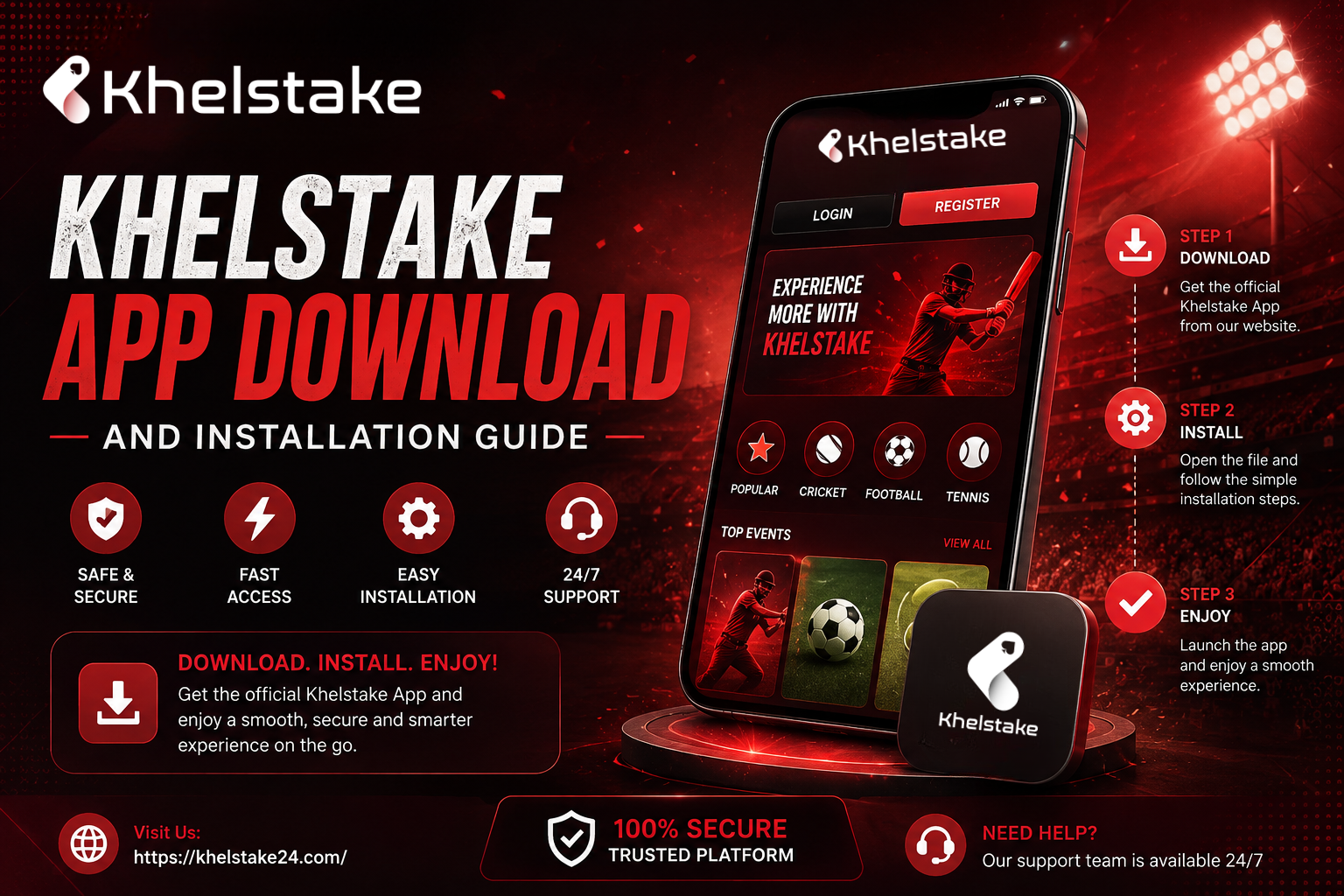
Khelstake provides an online platform experience designed around accessibility, simple navigation, and convenient account management. A well-organized digital platform helps visitors find relevant information, understand available features, and manage their account details without unnecessary complications. From exploring the website interface to learning about account settings, users benefit from having essential information presented in a clear and structured format.
Understanding how an online platform works is important for anyone who values convenience and a straightforward browsing experience. Khelstake focuses on presenting its platform information through accessible sections, helping visitors become familiar with its layout, account options, and available resources. This article explores the Khelstake online platform, its account features, navigation experience, and important information that visitors should understand.
What Is the Khelstake Online Platform?
Khelstake is an online platform that visitors can explore through its website interface. Its platform structure brings different information sections together, making it easier to understand the available features and account-related options.
A properly organized website should allow visitors to locate important sections without spending too much time searching through multiple pages. Clear navigation, readable content, and accessible account information contribute to a better overall experience.
The Khelstake platform overview can help new visitors understand its website structure before exploring individual sections. Existing users can also refer to platform information when looking for account-related details, support resources, or updates.
Some important aspects of a convenient online platform include:
-
Simple and understandable website navigation.
-
Clearly presented account information.
-
Accessible website sections.
-
Organized information and helpful resources.
-
Compatibility with commonly used devices.
-
Easy access to relevant support information.
Khelstake Account Features
Account management is an important part of any online platform. Users should be able to understand their account information, review available settings, and follow appropriate security practices.
Khelstake account information can be explored through the relevant website sections. Understanding these options helps visitors become more familiar with the account environment.
1. Account Registration Information
New visitors may need to review the registration instructions before creating an account. Registration information generally explains the details required during the account creation process and provides guidance about the applicable terms.
Before submitting personal information, visitors should carefully review the website’s privacy policy and account conditions. Providing accurate information and using appropriate security practices can help maintain a well-managed account.
2. Login Access
The login section provides an account access point for registered users. A straightforward login interface helps users locate the relevant fields and understand the available instructions.
Users should always access their accounts through the correct website address. They should avoid sharing passwords, verification codes, or other confidential information with unknown individuals.
3. Account Settings
Account settings allow users to review and manage relevant account information. Depending on the available options, settings may include profile details, password management, and communication preferences.
Keeping account information accurate is useful for maintaining consistency. Users should also review available security settings periodically.
4. Account Support
Support information is valuable when visitors experience difficulties understanding account features or navigating the website. A clearly presented support section helps users identify the appropriate communication channels.
Before requesting assistance, users can prepare a brief explanation of their issue. This makes it easier to communicate the problem and understand the guidance provided.
Khelstake Website Navigation Experience
Website navigation influences how easily visitors interact with an online platform. A well-structured interface helps users move between sections and locate relevant information.
Khelstake website navigation can be understood by exploring its available menus, page sections, and information categories.
A useful navigation experience generally includes the following elements:
Clear Menu Structure: Organized menus help visitors identify important website sections without unnecessary searching.
Readable Page Layout: Proper spacing, headings, and paragraphs make information easier to understand.
Consistent Design: Similar layouts across different pages help users become familiar with the website.
Accessible Information: Important account and support details should be presented in identifiable sections.
Simple Navigation: A straightforward interface reduces confusion and makes browsing more convenient.
These elements contribute to a more organized website experience and help visitors understand the platform’s structure.
Accessing Khelstake Across Different Devices
Modern users browse websites through different devices, including desktop computers, laptops, tablets, and smartphones. Therefore, device compatibility is an important consideration when evaluating an online platform.
A responsive website layout adjusts its presentation according to the screen size. This helps maintain readability and usability across different devices.
Desktop Experience
Desktop browsing offers a larger screen, making it convenient to review detailed information, explore multiple website sections, and manage account-related tasks.
Mobile Experience
Mobile access provides flexibility for visitors who prefer browsing through smartphones. Readable text, appropriately sized menus, and responsive page elements contribute to a convenient mobile experience.
Tablet Compatibility
Tablets offer a balance between desktop and mobile browsing. A responsive interface helps users explore website content without unnecessary layout difficulties.
Visitors should use updated browsers and reliable internet connections for a smoother browsing experience.
Account Security and Privacy Guidelines
Online account security should always receive attention. Users can follow several practical steps to protect their information while accessing digital platforms.
Here are some important security practices:
-
Create Strong Passwords: Use a combination of uppercase letters, lowercase letters, numbers, and special characters.
-
Protect Login Information: Never share passwords or verification codes with other people.
-
Check Website Addresses: Confirm that the website address is correct before entering account information.
-
Use Updated Browsers: Updated browsers provide important security improvements.
-
Avoid Public Devices: Be careful when accessing personal accounts through shared computers.
-
Review Privacy Settings: Understand how personal information is collected and handled.
-
Log Out When Necessary: Sign out after using shared or public devices.
Following these practices helps users develop safer browsing habits and maintain better control over their personal information.
Why Is a Simple Online Platform Important?
Simplicity plays an important role in the overall quality of a website. Visitors generally prefer platforms where information is organized logically and essential sections are easy to locate.
A simple interface offers several advantages:
-
Better Accessibility: Visitors can locate information with fewer steps.
-
Improved Readability: Organized content makes important details easier to understand.
-
Convenient Browsing: Consistent menus help users move between sections.
-
Clear Information: Well-written descriptions reduce unnecessary confusion.
-
Device Flexibility: Responsive layouts support different screen sizes.
For Khelstake, understanding the website structure and account-related information can help visitors become more familiar with its online environment.
Frequently Asked Questions About Khelstake
1. What is Khelstake?
Khelstake is an online platform that visitors can explore through its website interface to understand its available sections, account information, and platform features.
2. How can I understand Khelstake account features?
You can review the relevant account information sections to learn about registration, login access, account settings, and available support resources.
3. Can I access Khelstake through a smartphone?
You can explore the website through a smartphone browser. The browsing experience depends on the website’s mobile compatibility and your device configuration.
4. How can I maintain account security?
Use a strong password, protect your login credentials, avoid suspicious links, and review the website’s privacy and security guidelines.
5. Where can I find Khelstake support information?
Visit the relevant support section on the official website to review available assistance information and communication options.
Conclusion
Khelstake Online Platform offers visitors an opportunity to explore its website structure, account information, and available features through an organized digital environment. Understanding registration details, login access, account settings, navigation, and privacy practices can make the browsing experience more convenient.
Whether accessing the website through a desktop computer, tablet, or smartphone, visitors should prioritize account security and review the relevant platform guidelines. By understanding these essential areas, users can become more familiar with the Khelstake platform and navigate its available information with greater confidence.