
Building a high-performance gaming PC is no longer simply about choosing the fastest graphics card available. Modern games place different demands on hardware, depending on resolution, rendering technology, frame rates and graphical complexity. A system designed for competitive gaming may have very different priorities from one built for immersive 4K gaming.
The challenge is to select components that work together, deliver consistent performance and leave sufficient room for future upgrades.
Before choosing hardware, it is worth understanding what actually influences the gaming experience.
1. Start With Resolution and Frame Rate
The first decision in a gaming PC build should be the display target.
Playing at 1080p with high refresh rates requires a different hardware balance from gaming at 1440p or 4K. At lower resolutions, the processor can become a significant performance factor, particularly when targeting very high frame rates. At higher resolutions, the graphics card generally carries a greater rendering workload.
For competitive titles such as Counter-Strike 2 and Valorant, consistent high frame rates and low system latency are important. For visually demanding games, including modern AAA releases, GPU performance, graphics memory and advanced rendering technologies become increasingly relevant.
Your monitor’s resolution and refresh rate should therefore influence the entire configuration.
2. Why CPU and GPU Balance Matters
A powerful graphics card paired with an underpowered processor can limit gaming performance in CPU-intensive scenarios. Similarly, investing heavily in a high-end processor while selecting an entry-level graphics card may not deliver the expected improvement in graphics-intensive games.
For a balanced gaming PC, consider:
- Processor: Strong single-thread performance and sufficient cores for modern games, background applications and multitasking.
- Graphics card: Appropriate rendering performance, VRAM capacity and support for technologies such as ray tracing and upscaling.
- Memory: Sufficient DDR5 capacity and compatible memory speeds for the selected platform.
- Storage: NVMe SSDs for responsive game loading, operating system performance and faster asset access.
The objective is not to maximise individual component specifications. It is to avoid performance bottlenecks across the system.
3. Is a High-End Gaming PC Necessary for 4K Gaming?
Not every gamer needs a flagship graphics card. However, 4K gaming increases the rendering workload substantially compared with 1080p and 1440p.
Modern games with ray tracing, detailed environments and demanding graphical effects can place considerable pressure on GPU resources. A high-performance graphics card becomes particularly important when targeting high settings and smooth frame rates at 4K.
Technologies such as NVIDIA DLSS can improve rendering performance through intelligent upscaling and supported frame-generation features. Their effectiveness varies by game and implementation, but they provide additional flexibility when configuring a high-end gaming system.
The right approach is to select the GPU based on the games you play, your display and the visual settings you expect.
4. Cooling and Power Delivery Are Part of Gaming Performance
Gaming PCs frequently operate under sustained CPU and GPU loads. This makes thermal management an important part of system design.
An effective cooling configuration combines appropriate CPU cooling, sufficient case airflow and a chassis that accommodates the selected hardware. High-performance processors and graphics cards can generate substantial heat, particularly during extended gaming sessions.
Power supply selection also deserves careful consideration. The PSU should provide sufficient capacity for the complete system, account for GPU power requirements and offer appropriate power connectors.
A well-designed cooling and power configuration helps maintain stable operating conditions rather than relying on short-duration benchmark performance.
5. Should You Build a Gaming PC That Can Handle More Than Gaming?
Many gaming PCs now serve as multipurpose computing systems.
Gamers increasingly use their machines for live streaming, video editing, gameplay recording, 3D design and software development. These additional workloads can influence processor selection, memory capacity, storage requirements and GPU choice.
If you intend to stream while gaming, edit recorded footage or run demanding applications simultaneously, plan the configuration around those combined requirements.
This is also where motherboard expansion, additional M.2 storage and memory upgrade capacity become useful considerations.
6. Custom Gaming PC or Preconfigured System?
A custom gaming PC allows hardware selection around specific performance targets, rather than relying on a fixed configuration.
It also provides flexibility in choosing the processor platform, graphics card, memory, storage, cooling and chassis. However, component compatibility, BIOS configuration, thermal performance and power delivery need to be considered together.
A professionally configured gaming PC brings these decisions into a complete system. For high-end configurations, assembly quality, component clearances, airflow and system validation are particularly important.
Building a Gaming PC That Delivers Consistent Performance
A capable gaming PC is the result of balanced hardware selection and sound system engineering. Resolution, frame-rate targets, game requirements, cooling and upgrade flexibility should all influence the final configuration.
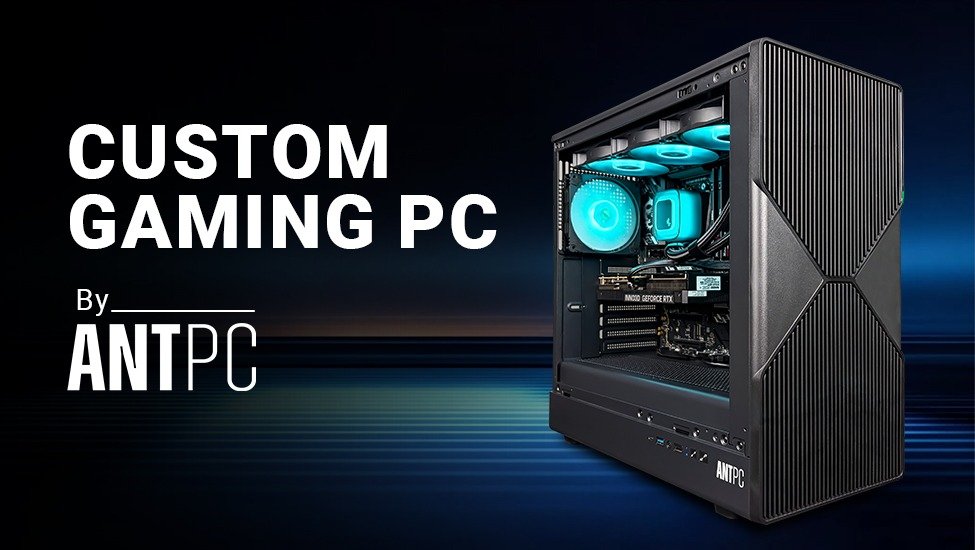
At ANT PC, custom gaming PCs are built around individual performance requirements, with carefully selected processors, graphics cards, memory, storage and cooling solutions.
Whether the objective is competitive gaming at high refresh rates or immersive gaming at 4K, the right configuration begins with understanding the experience you want from your system.