
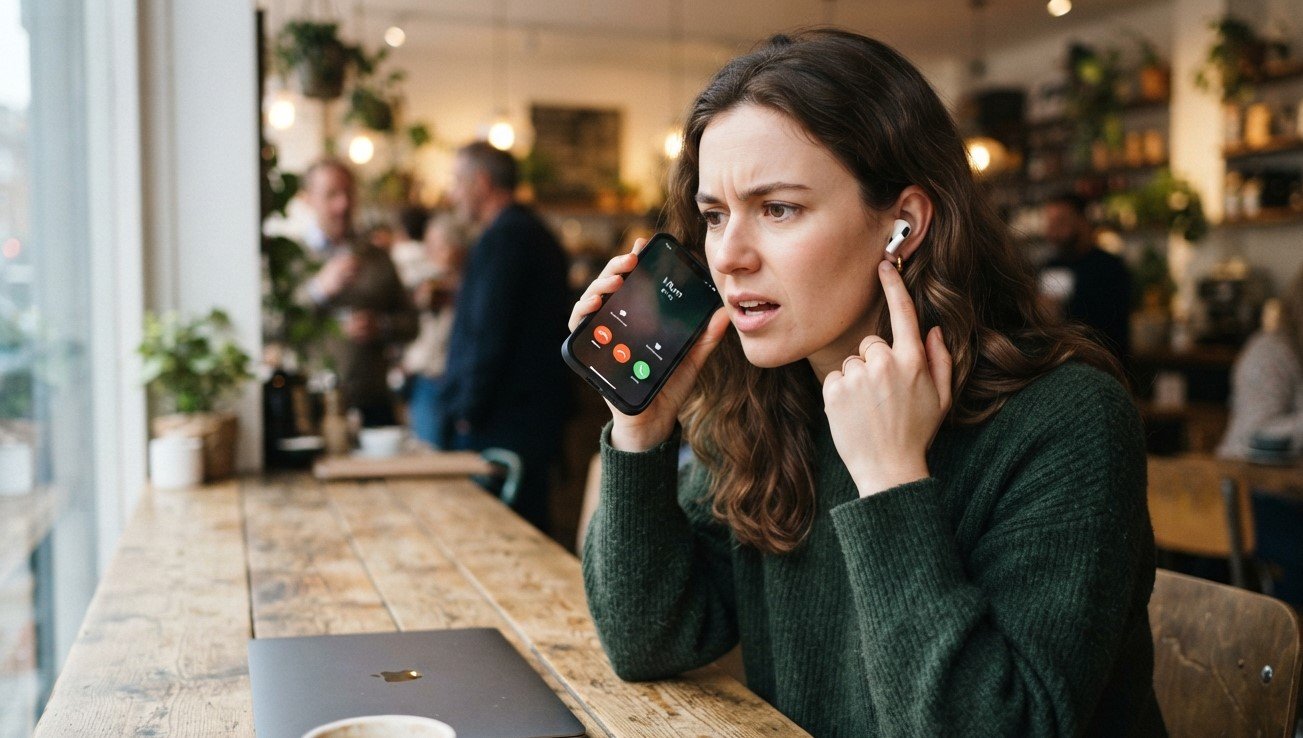
Have you ever been on an important call when the other person suddenly cannot hear you? An iPhone microphone that stops working during calls can make everyday communication frustrating. Understanding the possible causes can help you find the right solution. Whether you need basic troubleshooting or professional assistance, Precision Fix can help you explore repair options, including iPhone screen repair Albany services. If microphone problems continue, you can visit Precision Fix for assistance with your device.
Table of Contents
- Common Reasons Your iPhone Microphone Stops Working
- How to Troubleshoot iPhone Microphone Problems
- When Should You Seek Professional Repair?
- Frequently Asked Questions
- Final Thoughts
1. Common Reasons Your iPhone Microphone Stops Working
Several issues can affect microphone performance during phone calls.
Dust or Debris in the Microphone Openings
Dust, lint, and dirt can block microphone openings and reduce sound quality. This may cause your voice to sound muffled or disappear during calls.
Software Glitches
Temporary iOS bugs or system errors can interfere with microphone functions. An outdated operating system may also contribute to unexpected audio problems.
Incorrect Audio Settings
Connected Bluetooth headphones or other audio devices may redirect your call audio. As a result, the other person might not hear you through the iPhone’s built-in microphone.
Physical or Liquid Damage
Accidental drops, internal component damage, and moisture exposure can affect microphone hardware. If the problem started after an accident, the microphone may need professional inspection.
Software Crash
An iOS glitch or frozen system may make the screen appear completely black even when the phone is still powered on.
Physical or Liquid Damage
Accidental drops, cracked components, and liquid exposure can damage internal hardware and prevent the device from starting.
Battery or Internal Hardware Failure
An aging battery or damaged internal component may stop the iPhone from receiving or maintaining power.
2. How to Troubleshoot iPhone Microphone Problems
Try these practical steps before seeking repair:
- Remove the case: Check whether your phone case is covering a microphone opening.
- Clean microphone openings carefully: Use a clean, soft, dry brush. Avoid sharp objects and liquids.
- Disconnect Bluetooth devices: Turn off Bluetooth temporarily and test a call again.
- Restart your iPhone: A restart can resolve temporary software glitches.
- Update iOS: Check Settings for available software updates.
- Test the microphone: Use Voice Memos or record a short video to see whether the microphone captures sound.
If the microphone works in recordings but not during calls, the issue may be related to call settings, software, or connectivity.
3. When Should You Seek Professional Repair?
If troubleshooting does not resolve the issue, professional diagnosis may be necessary. Persistent muffled audio, complete microphone failure, or problems following a drop or liquid exposure can indicate hardware damage.
Precision Fix provides smartphone repair assistance in Albany, NY. Customers looking for iPhone screen repair Albany can also ask about available iPhone repair support and device diagnostics.
4. Frequently Asked Questions
Why can people not hear me during iPhone calls?
A blocked microphone, software glitch, Bluetooth connection, or damaged hardware may be responsible.
How do I test my iPhone microphone?
Open Voice Memos, record your voice, and play it back to check whether sound is being captured.
Can a software update fix microphone problems?
Yes. An iOS update may resolve software-related bugs affecting microphone performance.
Does water damage affect an iPhone microphone?
Yes. Moisture can damage internal components and interfere with microphone functionality.
When should I get my iPhone microphone checked?
If basic troubleshooting does not help or the microphone stops working completely, consider professional inspection.
5. Final Thoughts
An iPhone microphone that stops working during calls can result from blocked openings, software glitches, incorrect audio settings, or hardware damage. Simple troubleshooting may solve minor problems, but persistent issues deserve professional attention. For dependable smartphone repair assistance, contact Precision Fix for iPhone screen repair Albany information and other iPhone troubleshooting options. If your microphone continues to malfunction, visit Precision Fix in Albany, NY, to discuss the next steps.